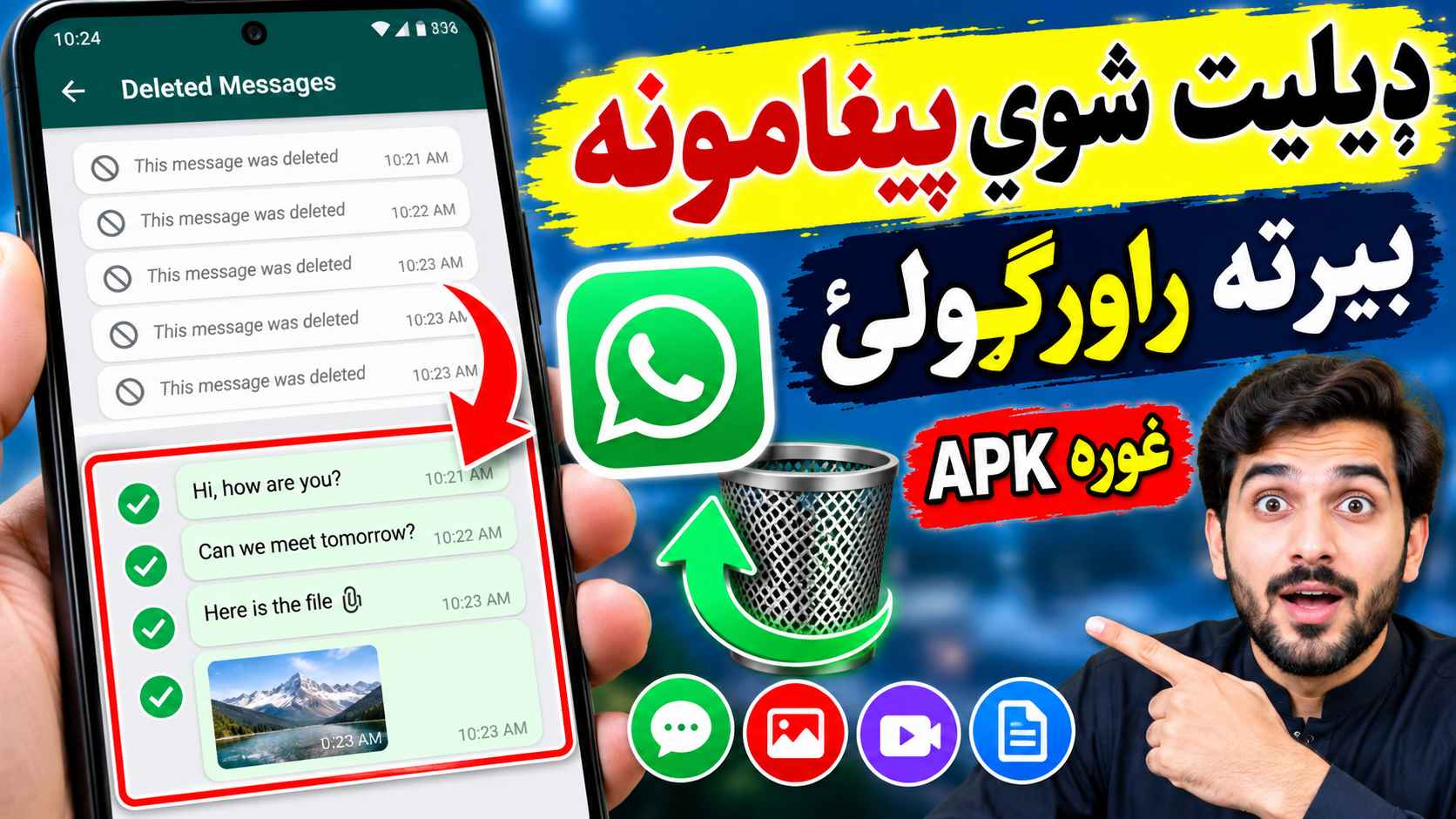
UnDel Recover Deleted Messages APK: Features, Download and Complete Guide
Have you ever opened WhatsApp and discovered that someone deleted a message before you could read it? The UnDel Recover Deleted Messages APK is an Android application designed to help users view certain deleted messages and media by saving notification information. This guide explains how the app works, how to install it, its main features, its limitations, and the privacy considerations you should understand before using it.
What Is UnDel Recover Deleted Messages APK?
UnDel Recover Deleted Messages is a notification-based Android app that aims to preserve message information before it disappears from a supported messaging application. According to its Google Play listing, it uses notification access to monitor notifications and create backups.
This type of application does not necessarily retrieve deleted conversations directly from WhatsApp servers. Instead, it may display information that was already received and saved through notifications. Consequently, its success depends on your phone settings, notification content, and when the app was installed.
Important: The app cannot recover messages received before installation or messages that were not available through notifications, according to its store listing.
UnDel APK: Key Features
1. Deleted Message Viewing
The app is designed to let users view supported message content that was captured through notifications before the original message disappeared. The amount of text available may depend on the notification preview and Android settings.
2. Notification Backup
UnDel uses notification access to save notification information. This can be useful when a message is deleted after your device has already received a notification containing its preview.
3. Deleted Media Recovery
The app listing advertises deleted media recovery. However, images, videos, voice messages, and documents may not always be recoverable. Media recovery depends on what was received, downloaded, and saved before deletion.
4. Message History
Saved notification information can help users review supported message content later. This should not be confused with a complete backup of every WhatsApp conversation.
5. Android Compatibility
UnDel is listed as an Android application. Before installing it, check the current Google Play listing or the developer’s official information for supported Android versions and device requirements.
How Does UnDel Recover Deleted Messages?
Notification-based recovery apps work differently from traditional data recovery software. They generally attempt to preserve message previews when notifications arrive, rather than reconstructing messages that have already disappeared without leaving a saved copy.
- A message arrives: A supported messaging app sends a notification to your phone.
- Notification access: If permission has been granted, UnDel can monitor the notification information made available by Android.
- Information is saved: The app may preserve supported message content for later viewing.
- The original message is deleted: If its content was saved earlier, you may still be able to view that copy.
This process has limitations. If notifications are disabled, message previews are hidden, or the app was installed after the message arrived, the original content may not be available.
How to Download UnDel Recover Deleted Messages APK
The safest starting point is the official Google Play listing. It allows you to review the app’s publisher information, available features, update details, ratings, and privacy disclosures.
- Open the UnDel Recover Deleted Messages Google Play page.
- Confirm that the app name and developer details match the application you intend to install.
- Review the app permissions and the Data safety section.
- If the listing is available for your device, tap Install.
- Open the application and follow its setup instructions.
- Grant notification access only if you understand and accept what that permission allows.
If you choose to download an APK file from another website, verify the source and package identity carefully. Avoid modified APKs, unknown installers, and files that ask you to disable important security protections without a clear reason.
How to Use UnDel on Android
Step 1: Install and Open the App
Install UnDel through its official listing when available. Open it and read the instructions displayed during the initial setup.
Step 2: Review Notification Access
The application uses notification access to monitor notifications and create backups. Android may display a special system permission screen for this setting.
Only enable access if you trust the developer and understand that notification access can expose message previews and other notification information to the permitted app.
Step 3: Keep Relevant Notifications Enabled
Make sure notifications are enabled for the messaging app you want to use with the recovery tool. If notifications are disabled or a conversation is muted, some messages may not be captured.
Step 4: Receive New Messages
The app must have the necessary access before the relevant notification arrives. It generally cannot recreate message content that was never captured.
Step 5: Check the Saved Content
Open UnDel and look for the available message history or recovery section. The exact menu names and supported content may vary by app version.
Can UnDel Recover Deleted WhatsApp Messages Before Installation?
Generally, no. Notification-based recovery tools preserve information as notifications arrive. Installing one after a message has already been deleted does not automatically restore that message.
If you need an older conversation, check whether a WhatsApp backup made before the deletion contains it. Restoring a backup can replace your current chat history with an earlier version, so protect important recent conversations before proceeding.
Pros and Cons of UnDel APK
| Advantages | Limitations |
|---|---|
| Designed to preserve supported notification content | Cannot guarantee recovery of every deleted message |
| May help view captured message previews | Requires notification access |
| Can be useful for future notifications | Does not automatically restore complete WhatsApp chats |
| Provides a dedicated message recovery interface | Media recovery depends on availability and device settings |
| Can reduce the need to check notifications manually | Privacy practices should be reviewed before use |
Is UnDel Recover Deleted Messages APK Safe?
Safety depends on the authenticity of the application, its developer, its permissions, and how notification data is handled. No app should be considered completely safe simply because it appears in an app store.
- Use a trusted source: Prefer the official Google Play listing.
- Review permissions: Notification access can expose private message previews and other notifications.
- Check privacy disclosures: Read the Data safety section and the developer’s privacy policy.
- Avoid modified APKs: Unofficial versions can introduce security and privacy risks.
- Protect sensitive conversations: Consider whether saving messages from private chats is appropriate.
- Review access periodically: Revoke notification access if you no longer need the application.
The Google Play listing indicates that the app may share device or other IDs with third parties. Review the latest disclosure and privacy policy before installation because these details can change.
Common Problems and Solutions
Deleted messages are not appearing
Check whether notification access is enabled and whether the message arrived after the application was installed. Messages received without a usable notification may not be saved.
Only part of a message is visible
Notification previews may be shortened by Android or the messaging app. A recovery tool cannot necessarily restore text that was never included in the notification.
Deleted photos or videos are missing
Media recovery depends on whether the content was available and saved before deletion. A text notification alone may not contain the original image or video.
The app stops recording notifications
Review notification access, battery restrictions, background activity settings, and the app’s current instructions. Menu names differ between Android manufacturers.
Older messages cannot be recovered
Check existing WhatsApp backups if appropriate. If neither a saved notification nor a suitable backup exists, recovery may not be possible.
Alternatives to UnDel Recover Deleted Messages APK
You can consider these options depending on what you need:
- Android Notification History: On supported devices, this built-in feature may show previously received notifications if history was enabled in time.
- WhatsApp Chat Backup: An appropriate backup may contain conversations that existed when the backup was created.
- Other notification recovery apps: Compare their permissions, privacy disclosures, compatibility, and limitations before installing them.
None of these methods guarantees that every deleted message, photo, video, or voice note can be recovered.
Frequently Asked Questions
1. What is UnDel Recover Deleted Messages APK?
It is an Android application designed to preserve supported message information through notification access so that users may view some content after it disappears from a messaging app.
2. Can UnDel recover deleted WhatsApp messages?
It may show message content that was captured from notifications before deletion. Results depend on notification settings, message previews, and whether the app had permission in time.
3. Can I recover messages deleted before installing UnDel?
Generally, no. The app’s listing warns that it cannot recover messages received before installation. An older backup may be another option if it contains the missing conversation.
4. Does UnDel recover deleted photos and videos?
The app advertises media recovery, but success is not guaranteed. The original media must have been available to the recovery process before deletion.
5. Does UnDel require notification access?
Yes. Its listing describes notification access as part of its message monitoring and backup functionality.
6. Is UnDel available for iPhone?
The referenced listing is for Android. Check the official store for your device before assuming that an equivalent iPhone version exists.
7. Is it safe to download UnDel from an APK website?
Downloading from an unknown APK website carries additional risks. Prefer the official Google Play listing and check the app’s identity, permissions, and privacy information.
8. Is UnDel an official WhatsApp application?
No. The listing describes it as an independent application that is not affiliated with the messaging platform.
Conclusion
UnDel Recover Deleted Messages APK may help Android users view certain deleted message previews by preserving notification information. Its usefulness depends on having the app and required permissions set up before the relevant notifications arrive.
Before downloading it, review the official listing, permissions, and privacy disclosures. If you need older conversations, check your existing WhatsApp backups rather than assuming that a notification recovery app can restore every deleted message.